Uurwerk logo For the Mac · for freelancers and solo founders

Your hours.
Without the spreadsheet.

Uurwerk is a calm time tracker for the Mac. Type in your hours, see what you did for whom each week, and know your revenue, your net share and the total incl. VAT straight away. All from the keyboard.

Pay once. No account. Your hours stay on your own Mac.

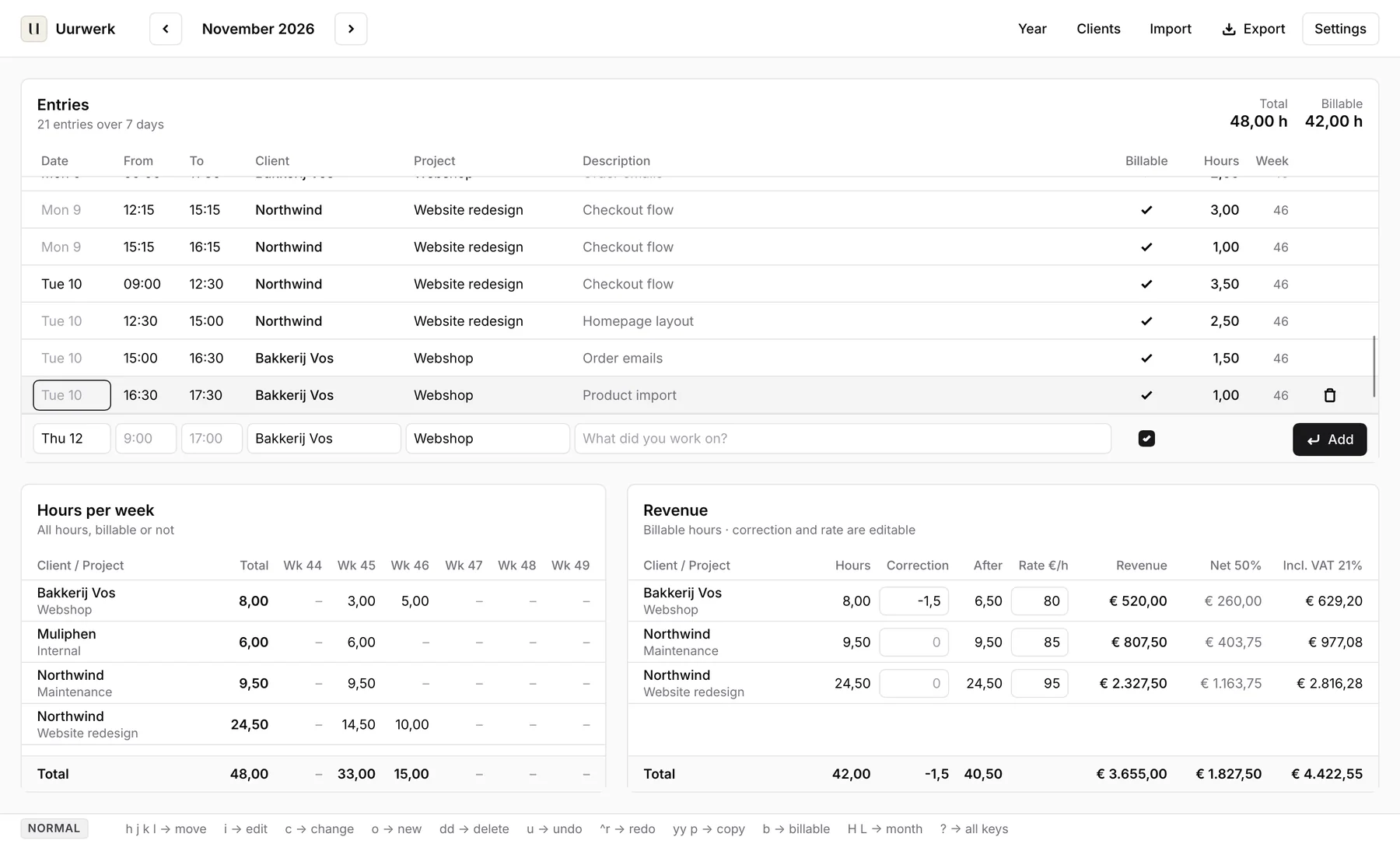
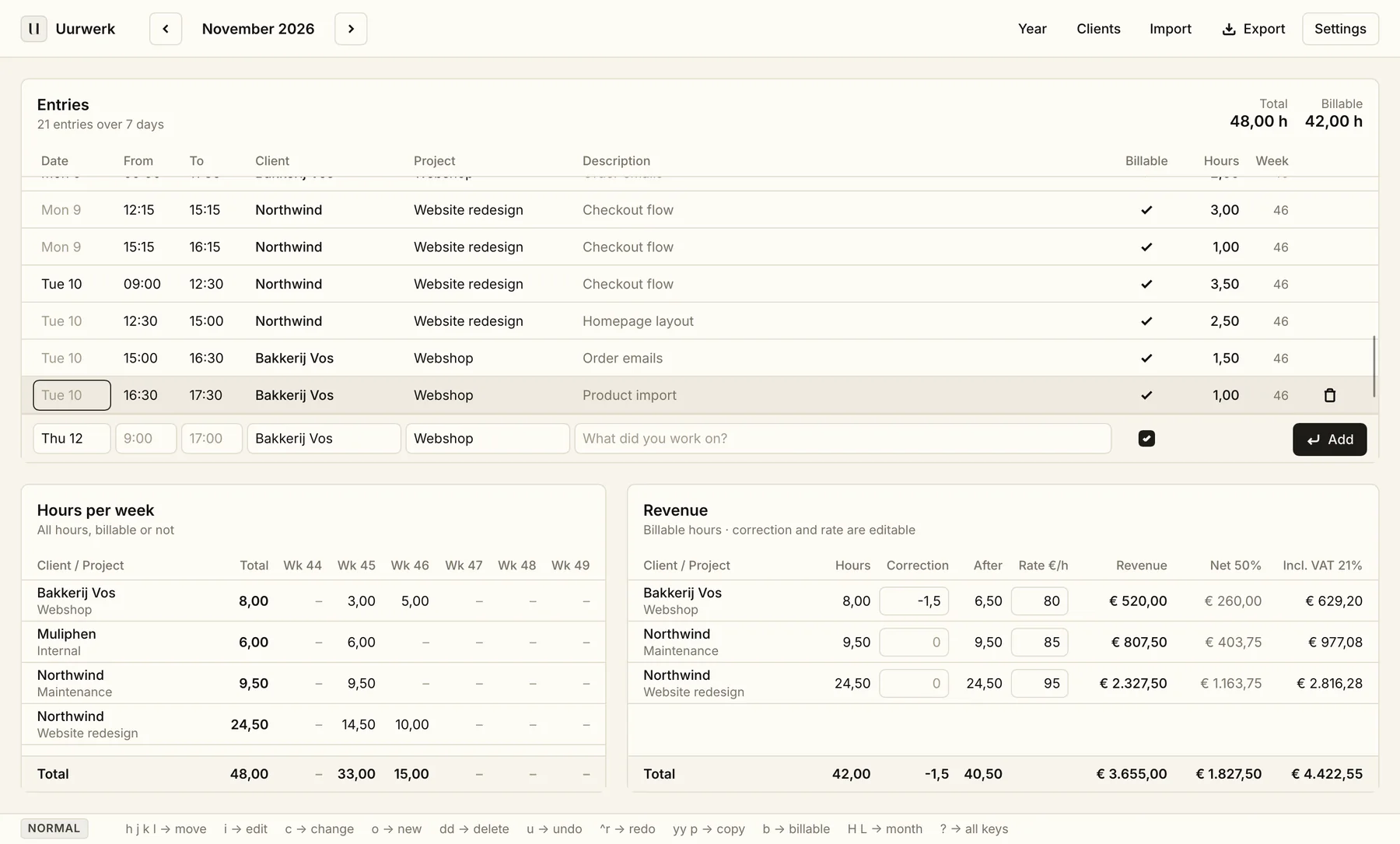
Uurwerk's main screen: this month's entries, hours per week per client and project, and revenue with rate, net share and incl. VAT.

Built from the spreadsheet

Uurwerk started as a replacement for one Numbers sheet per month. The same three tables are still there, just without formulas that break and without a new file every month.

1

Entries

Date, from, to, client, project, description, billable. Uurwerk works out the hours and the week number.

2

Hours per week

One row per client and project, one column per week. See at a glance where your week went.

3

Revenue

Hours, correction, rate, revenue, your net share and the total incl. VAT. Edit the correction and rate right in the table.

Entering hours without thinking

Press o for a new row. Client and project complete as you type, the hours add up as you go and Return saves.

  • Times round to the nearest quarter hour: 9:07 becomes 9:00
  • Client, project and billable carry over from your last row
  • On weekdays, a reminder if nothing is logged by 17:00
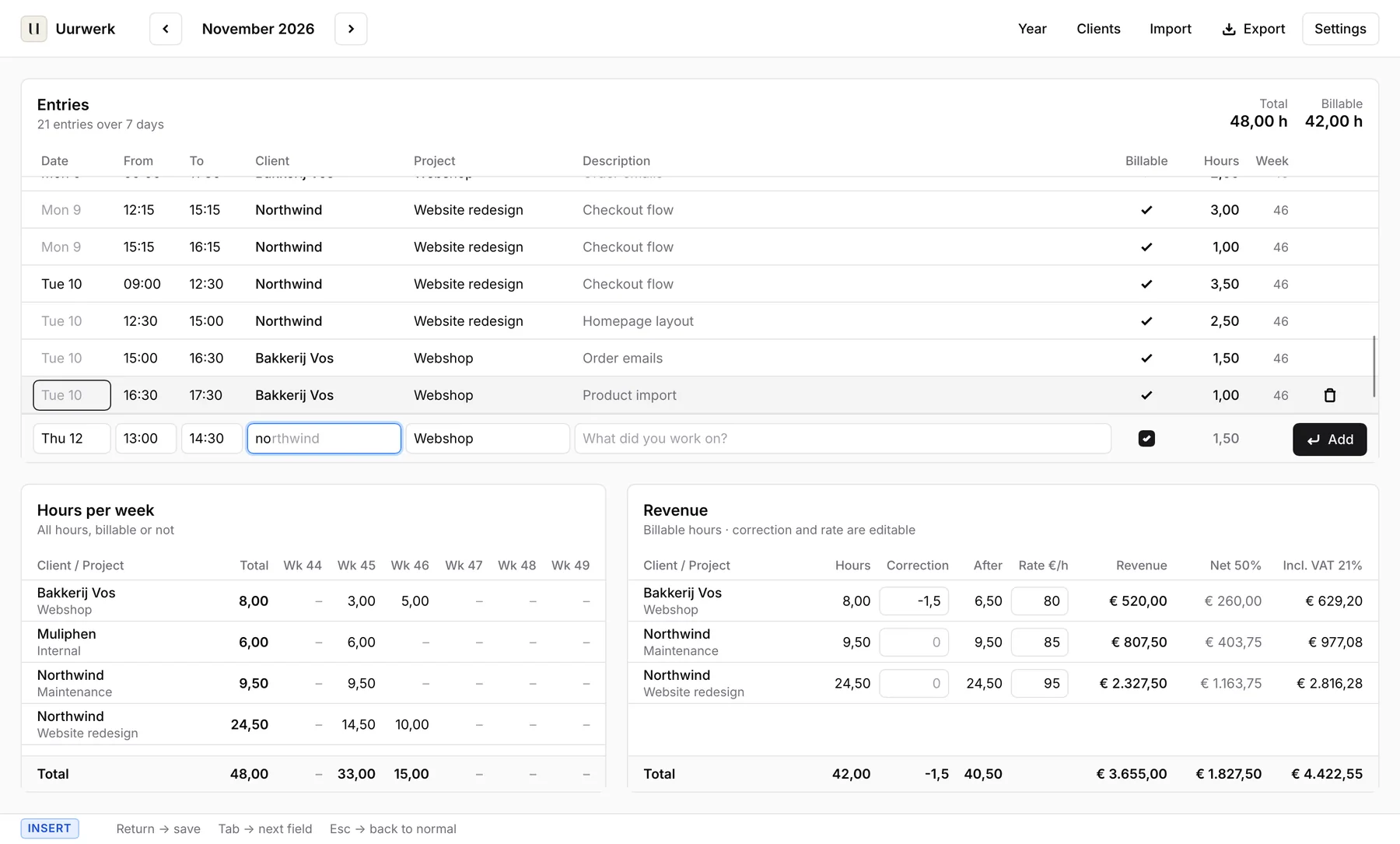
Typing a new entry in insert mode, with the client name completing automatically.

Your year, and your hours target

The year overview shows hours, billable hours and revenue per month and per client, with a bar that tracks how close you are to your yearly hours target.

  • Defaults to 1,225 hours, the Dutch self-employed threshold
  • Chart per month, in hours or in revenue
  • Net revenue and revenue incl. VAT for the whole year
Year overview with hours and revenue per month, a bar chart and progress towards 1,225 hours.

Bring your old sheets along

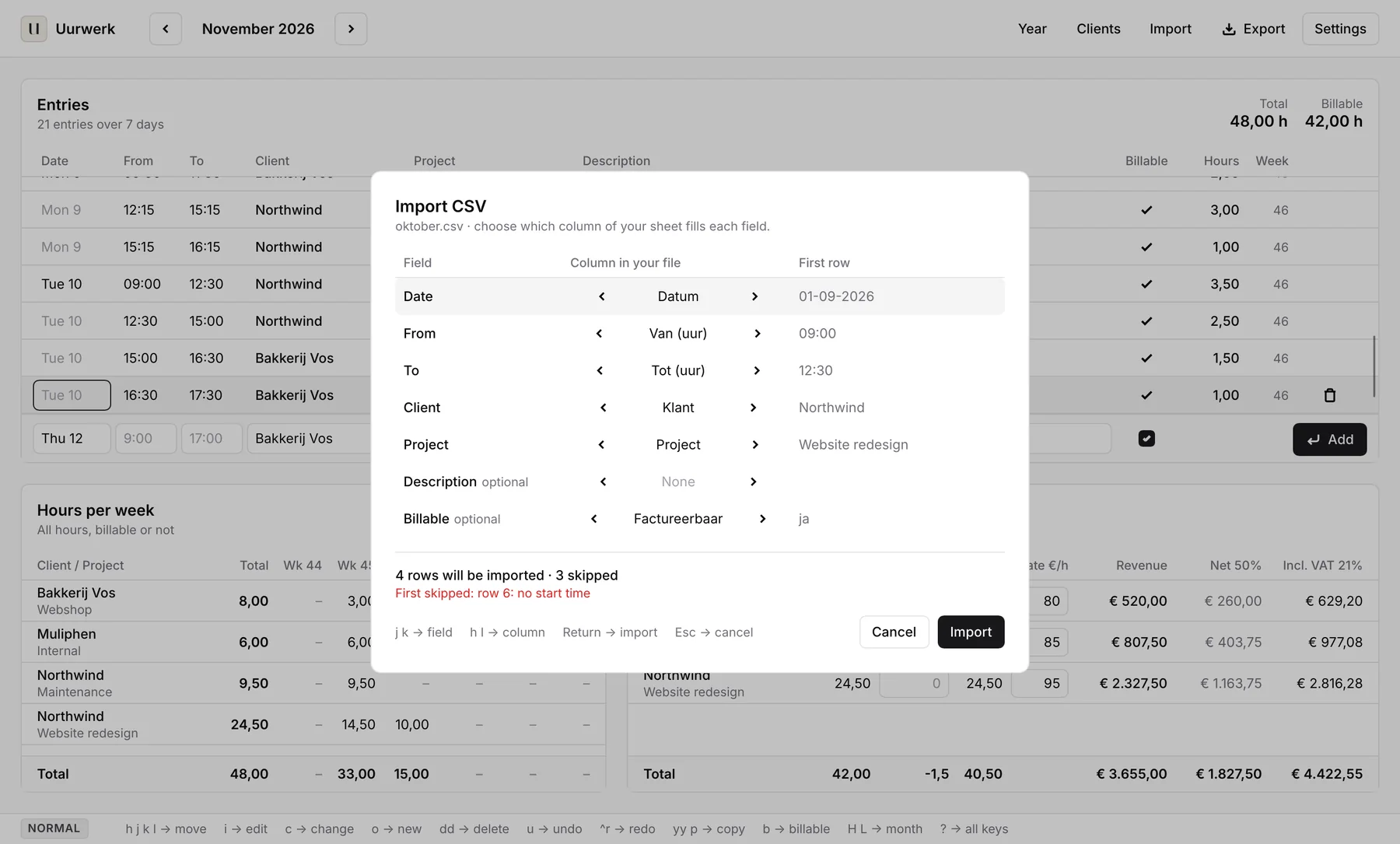
Import a CSV from Numbers or Excel and pick which column of your sheet fills each field. You see up front how many rows come in, and why one gets skipped.

  • Your column names can be anything, in any language
  • Export this month, everything, hours per week or revenue
  • Dutch Excel format (semicolons and decimal commas) on request
Importing a CSV: choosing the matching column from your own sheet for each field.

Everything a freelancer needs. Nothing more.

No teams, no project planning, no invoicing. Uurwerk does one thing: keep track of your hours and show what they earn.

Quarter hours

Times round to the nearest quarter hour. Turn it off if you'd rather work to the minute.

VAT and net

Set your VAT rate and the share you keep after tax. Uurwerk fills in both columns for you.

CSV for your accountant

Four exports in one menu, including the Excel format Dutch accountants expect.

On all your Macs

Put your data folder in iCloud Drive and your hours are on every Mac you use Uurwerk on.

Daily backups

A copy next to your data file every day. The last 30 are kept.

In the menu bar

Add hours from the menu bar. Close the window and Uurwerk keeps running.

Made for the keyboard

Uurwerk works like Vim: in normal mode you move around and run commands, in insert mode you type. You never have to touch the mouse. Don't know Vim? Just click.

NORMAL hjkl move i edit o new row dd delete u undo yyp copy b billable HL previous / next month ? all keys
INSERT Return save Tab next field Esc back to normal

Tip: this page listens to j and k too.

Calm to look at

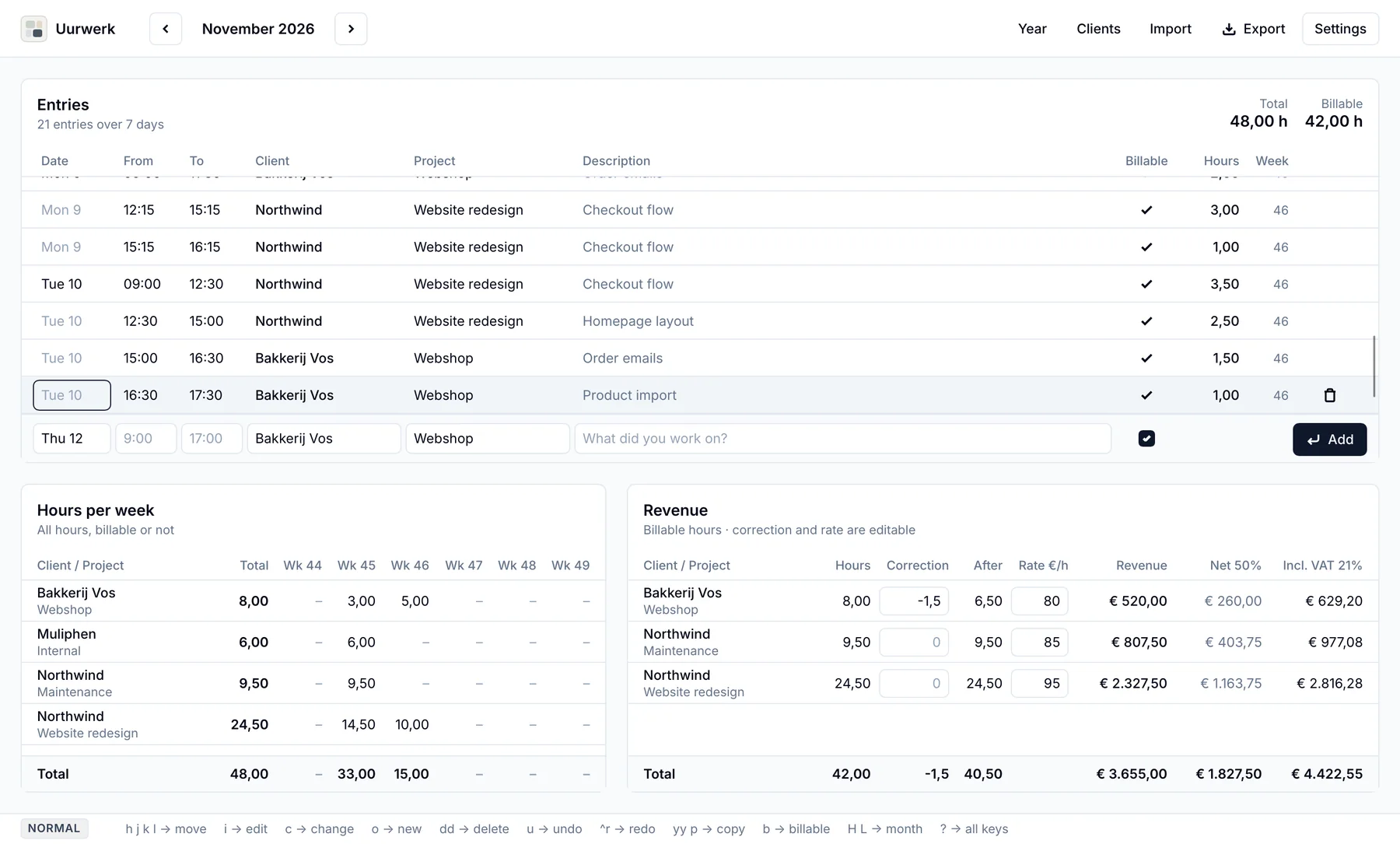
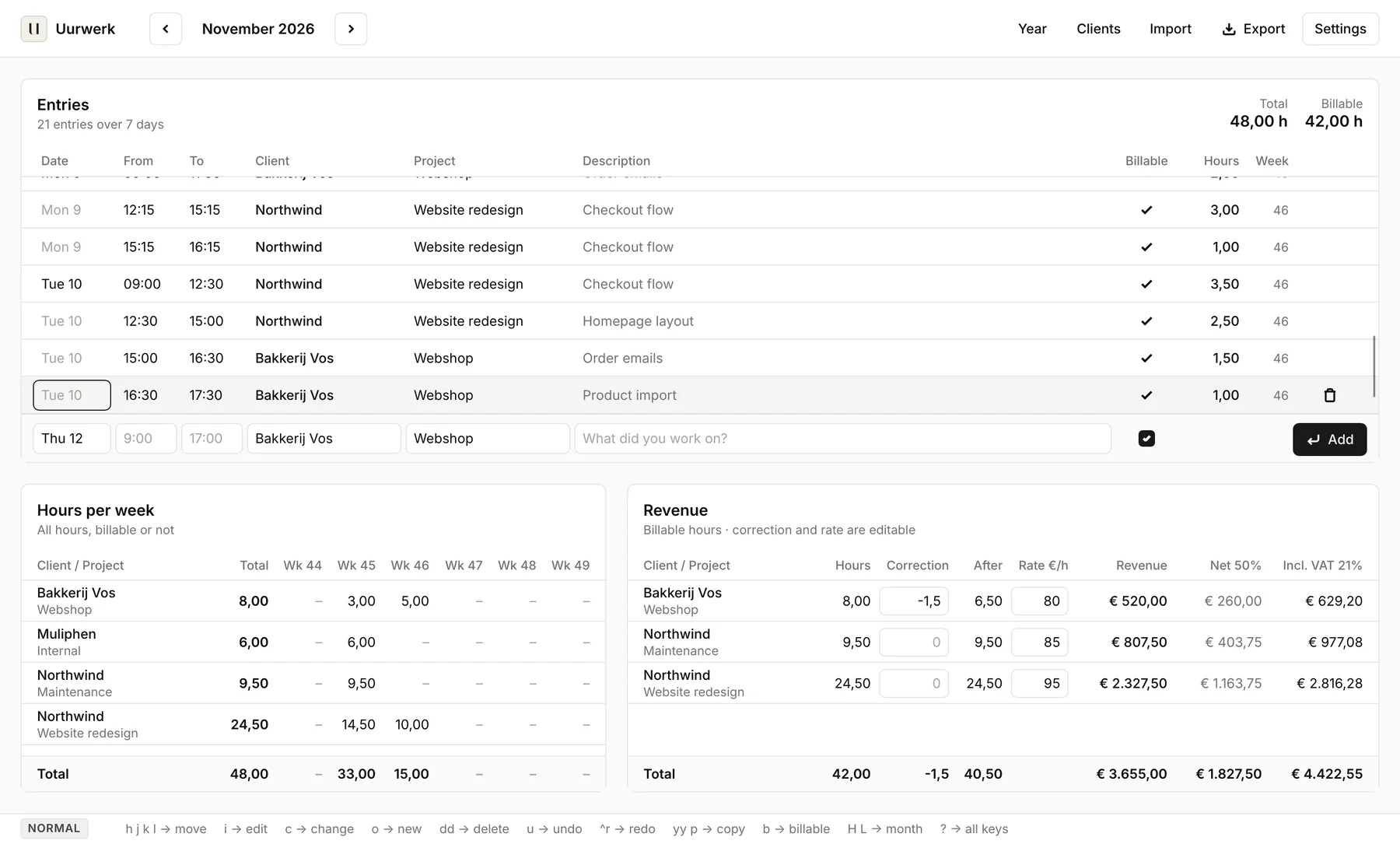
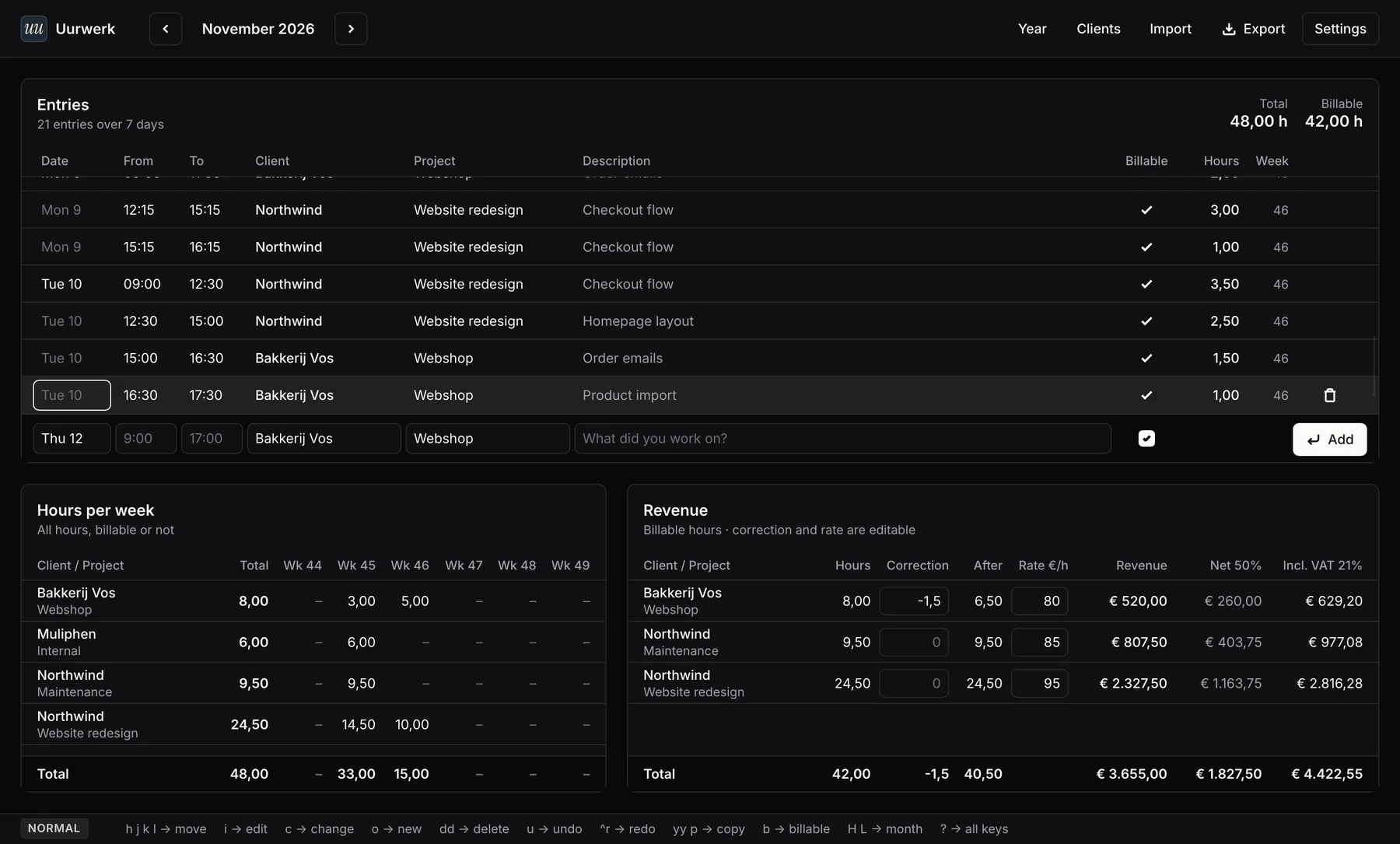
Light or dark, four sets of greys and three logos. Plus the details you only miss when they're gone: Dutch or English number formats, a slashed zero and ligatures.

Uurwerk in the Zinc theme. Uurwerk in the Slate theme. Uurwerk in the Stone theme. Uurwerk in the Paper theme. Uurwerk in dark mode.
Letter
Modular
Night

Your hours are yours

Uurwerk has no server, no account and no tracking. Nothing is sent to us.

One file
All your hours live in a single JSON file, in a folder you choose.
Works offline
Uurwerk doesn't need the internet to work.
Easy to take with you
Export everything to CSV whenever you like. You're never locked in.

Uurwerk

€9
one-time, incl. VAT
  • Every feature, no subscription
  • Use it on all your own Macs
  • Free updates throughout version 1
  • License key by email, straight away
Buy Uurwerk

You pay through our payment partner, who also handles the VAT and your invoice.

Questions

Does Uurwerk run on Windows or on my phone?

No. Uurwerk is Mac only. That's what keeps it fast, small and calm.

Can I bring my hours over from Excel or Numbers?

Yes. Export your sheet as CSV and import it into Uurwerk. You choose which column fills each field, so your column names can be anything.

Does Uurwerk make invoices?

No, on purpose. Uurwerk tracks your hours and works out your revenue. For invoices, export your hours as CSV to your accounting software or your accountant.

Where is my data?

In one file on your Mac, in a folder you choose. Pick a folder in iCloud Drive and your hours are on all your Macs. Uurwerk makes a backup every day and keeps the last 30.

Do I need to know Vim?

No. You can just click and type. The Vim keys are there for people who want them, and ? shows all of them.

Is it a subscription?

No. You pay once and keep using Uurwerk.

I have a question or an idea.

Email sander@muliphen.nl. You'll hear back from the person who made it.